HP Wallet System is an extension that will act as digital wallet features on your OpenCart online store.
Here how to install it.
Pre Install
- Please follow pre install section here if you haven't proceed one before: https://hpwebdesign.io/pre-install
- After completing the above steps, you can proceed with the installation as follows:
NB: You can disable base theme modification after installation.
Installation
1. Download and extract the HP Wallet System module.
> You will find .ocmod.zip file. Then:
2. Access Extension Installer, Extension → Installers.
3. Upload file: *.ocmod.zip file.
4. Wait until the process is complete.
5. Go to menu System > Users > User Groups. Then select a User Group and click Select All under Access Permission and Modify Permission.

6. Access Extension → modification. Refresh Modification. Then you can access E-Wallet in menu.
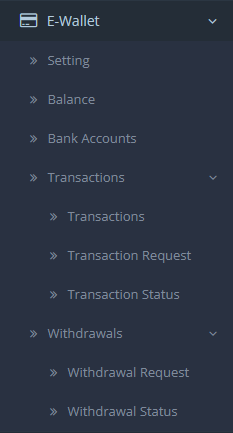
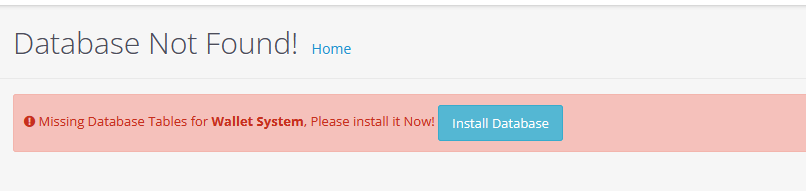
7. Install by: Access to the modules page. Click install and edit on HP Wallet System.
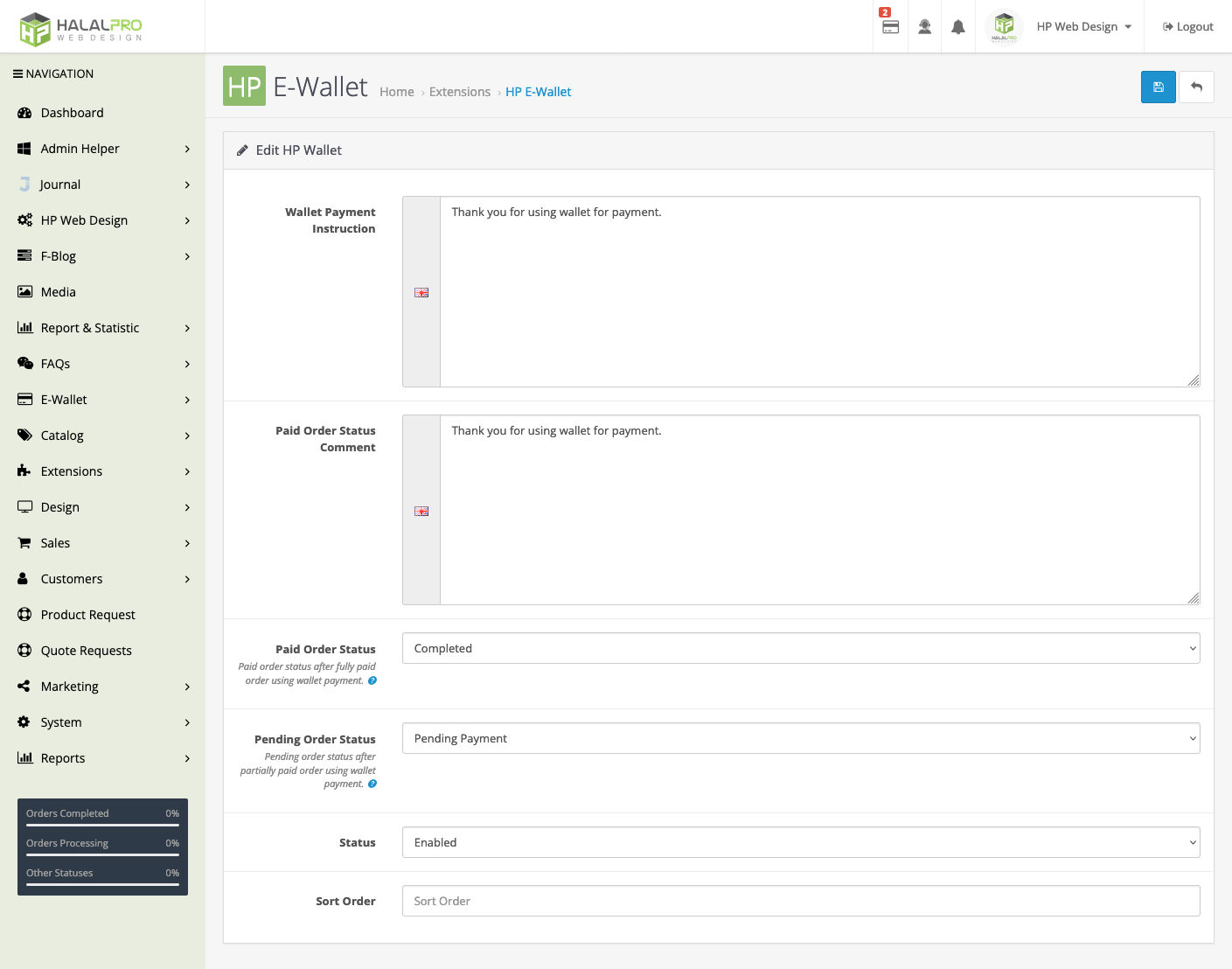
8. Enable Wallet as Payment Method
> Go to Extension :: Extension :: Payments.
> Enable HP E-Wallet Payment method
> And set proper order status when customer paid by wallet 100% or partially paid by wallet.
9. Last but not least : make sure credit total extension enabled.
> Go to Extension :: Extension :: Totals
> Make sure "Credit" extension is enabled.
~Done~